Screens and browser
Hold the Screen Remote and right-click a wall to cycle its mode.
| Mode | Shows |
|---|---|
| Dashboard | Crew cards, live activity, who needs you, spec tasks. |
| Live code | Every edit as it happens, with a coloured diff. |
| Website | Your project's /preview pages. HTML pages reload themselves when the file changes, so you watch the crew build the page. |
| Web search | A search page. |
| Activity log | Recent events. |
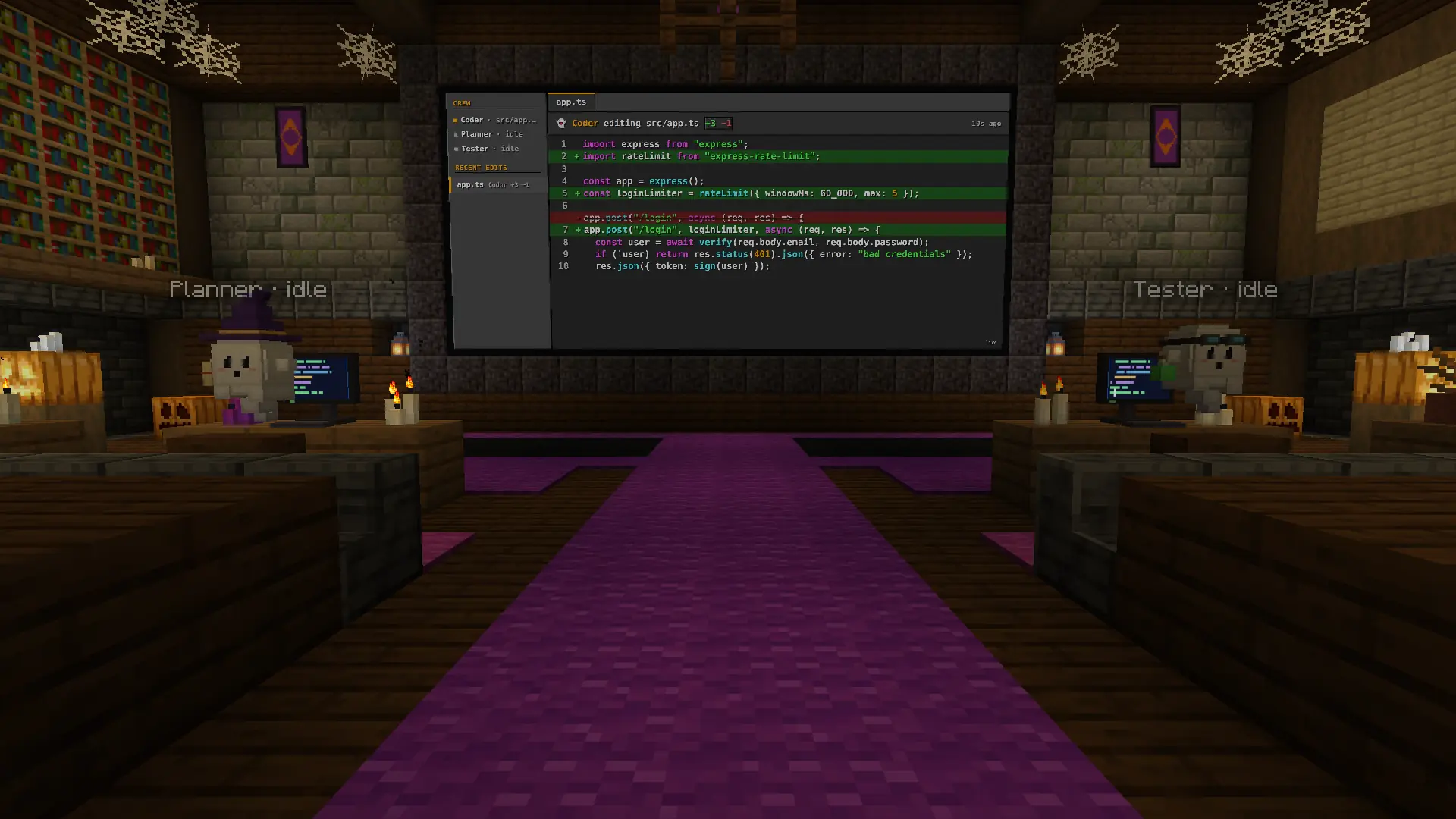
Sneak + right-click opens the full-screen browser.
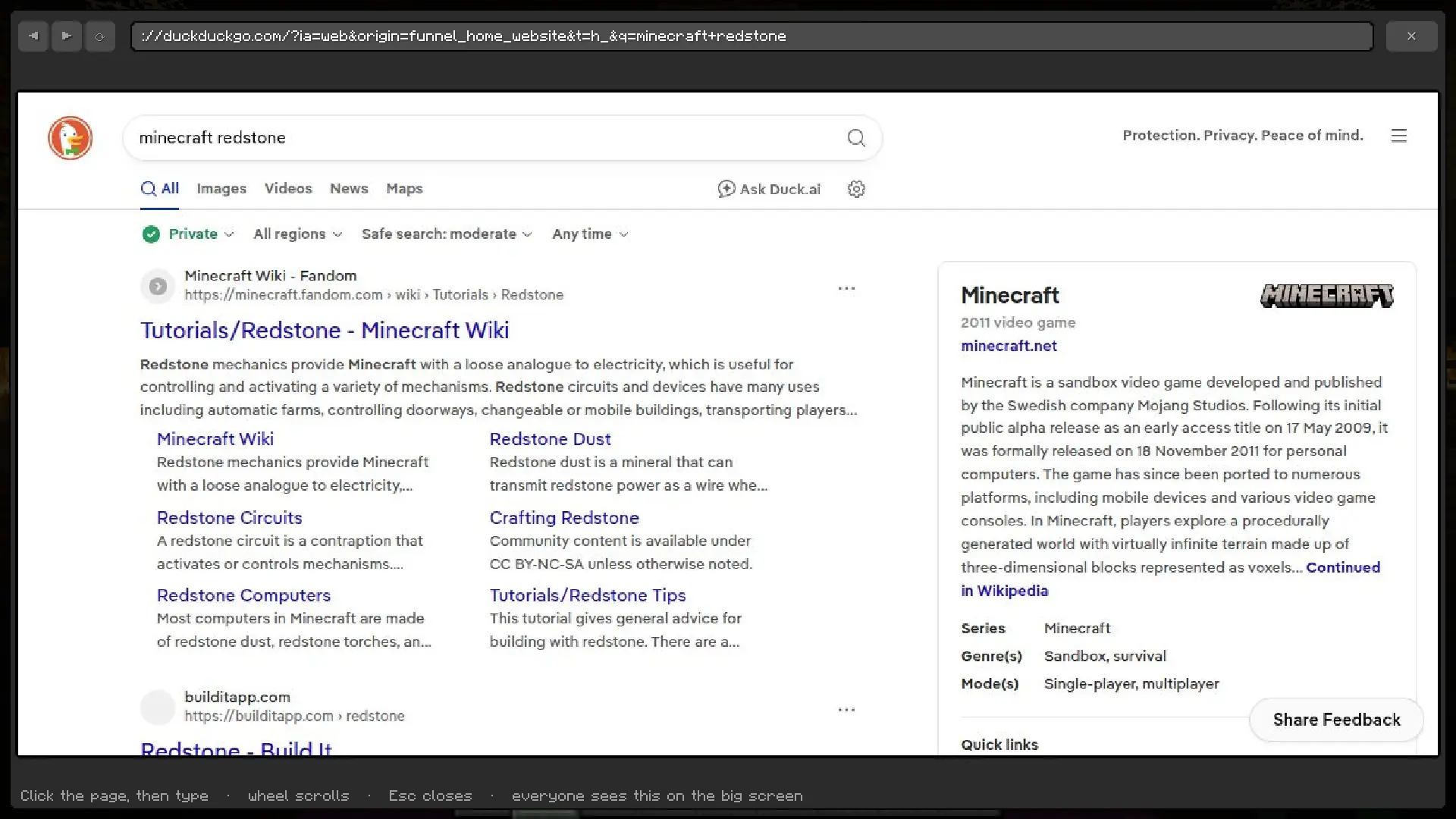
The browser pipeline
- A headless Chrome runs on the bridge PC (
puppeteer-core,CHROME_PATHoverrides). It has its own profile, so it never touches your tabs or logins. Page.startScreencastsends JPEG frames only when the page changes, at a single CSS-pixel size. A screenshot fallback is used only when the cast has gone quiet for 1.5 s.- The mod's
ScreenTexturedecodes frames on a worker thread, keeps only the latest, and uploads on the render thread.touch()/seen()culling skips decoding for screens nobody is looking at. - Input goes back over
POST /browser/{click,type,key,scroll,…}. Keys includeControl+a,Shift+Tab, arrows; Ctrl+V pastes up to 200 characters. Minecraft 26.3's SDL text input is switched on after each click. - The user agent drops the "Headless" marker and the automation flags are off, which avoids most bot checks.
- Zoom is remembered per host in the profile.
Theming
The wall is drawn in flat Minecraft materials: black frame, grey face, an orange accent on the header, and the same
palette as the console screens (0xF0101010 background, 0xFF4A4A4A bars).